We’ve made it easy for you to download the Boldr Installer App so you can set up, monitor, and control your system right from your mobile device.
Option 1: Scan the QR Code
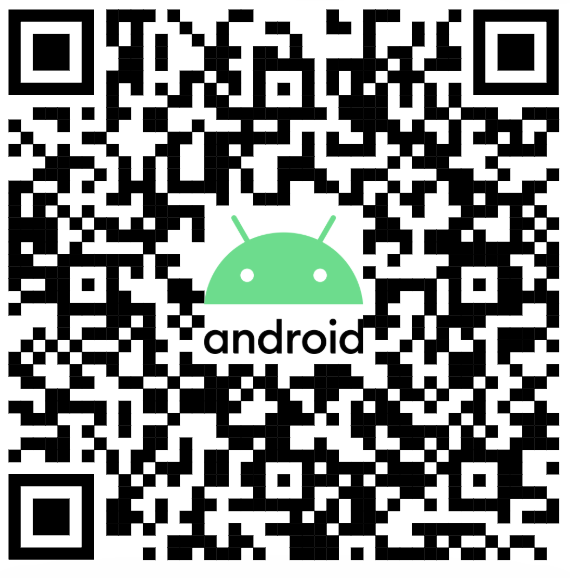
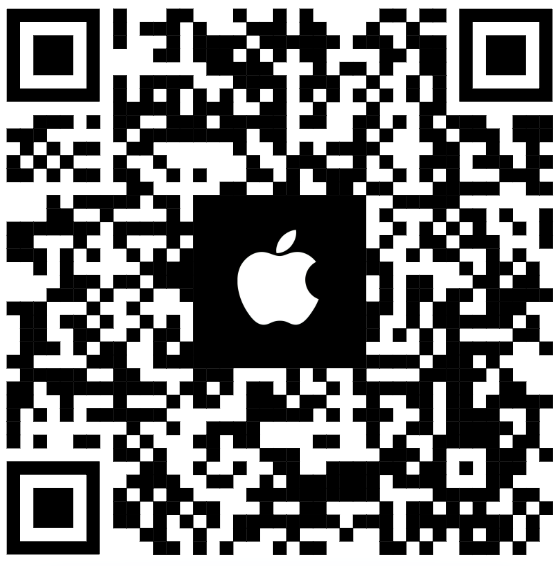
Simply scan the QR code for your device type using your smartphone camera:
For Android (Google Play Store)
-
For iOS (Apple App Store)
Option 2: Search in Your App Store
Open the Google Play Store (for Android) or the Apple App Store (for iOS).
In the search bar, type Boldr Installer App.
Look for the app with the Boldr Pro logo.
Tap Download or Get.
Once installed, open the app and follow the setup instructions.
Need Help?
Contact our Live Pro Tech Support Team at +1 (888) 269-1303, Monday to Friday, 9 AM to 6 PM ET.