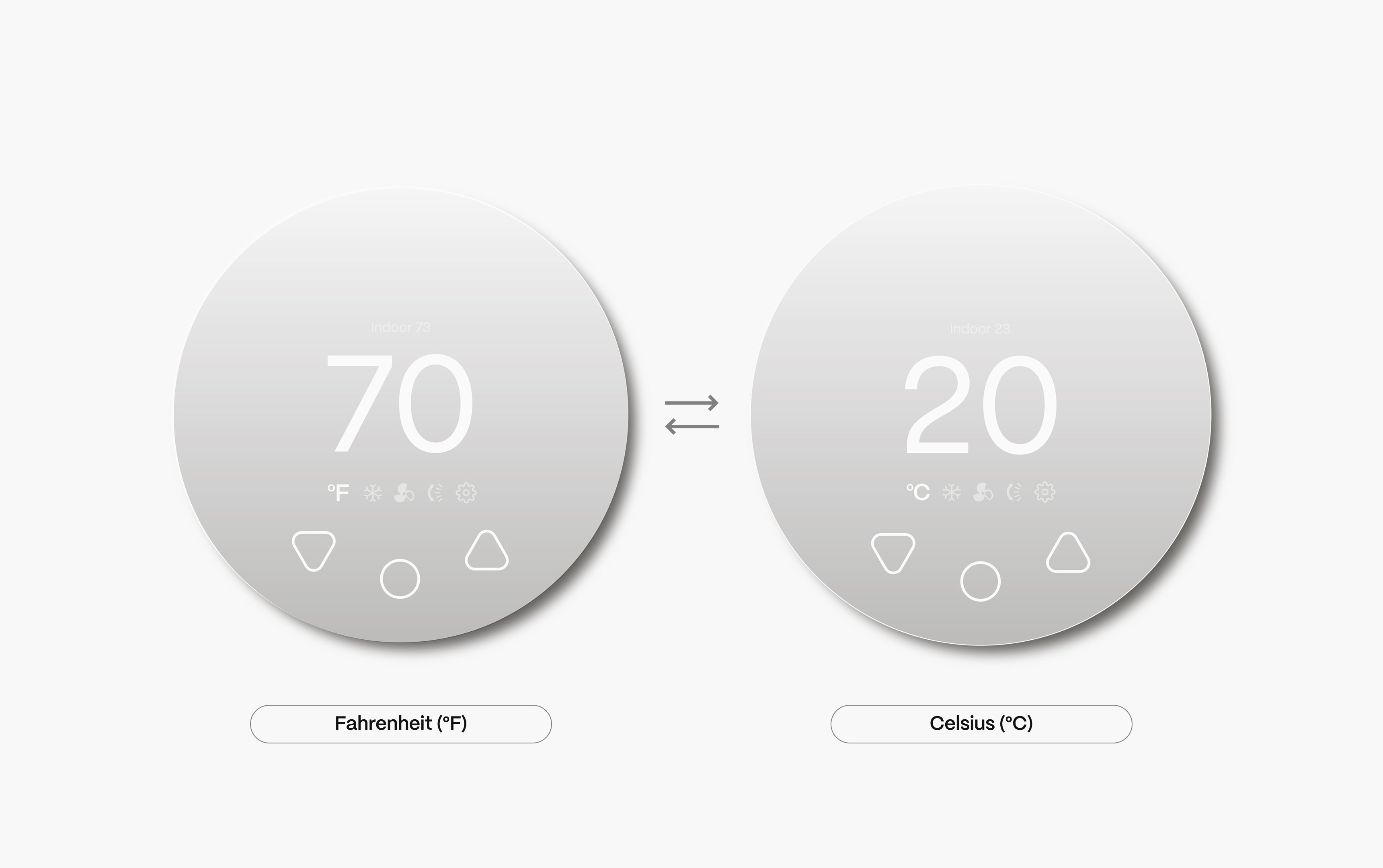
If the mini-split switches from Fahrenheit °F to Celsius °C when controlled by The Boldr Smart Thermostat, it may be due to the mini-split using a European command set.
Follow these easy steps below for the end user to adjust the command settings and ensure the mini-split display stays in Fahrenheit.
How to Adjust the Command Settings
- Open the Boldr Energy app.
- Navigate to Settings and click on Rooms.
- Click on the room you would like to continue with.
- Under the devices segment of your chosen room, choose the Boldr Smart Thermostat device.
- Go to Remote Command.
- Select an option that supports Fahrenheit (°F) instead of Celsius (°C).
Once you've made this change, the mini-split should now display temperatures in Fahrenheit!
Graphic instructions are listed below:
Need Help?
Contact our Tech Support Team at +1 888 269 1303, Monday to Friday, 9AM-5PM ET.